Send a small or soft photo to @aiall_bot and get it back at 2K or 4K with the fine detail restored: fur, fabric texture, eyelashes, small print. The full-size file arrives as a document, so Telegram does not compress it again.
🎁 Your first photo edit in the bot is free: no card needed.
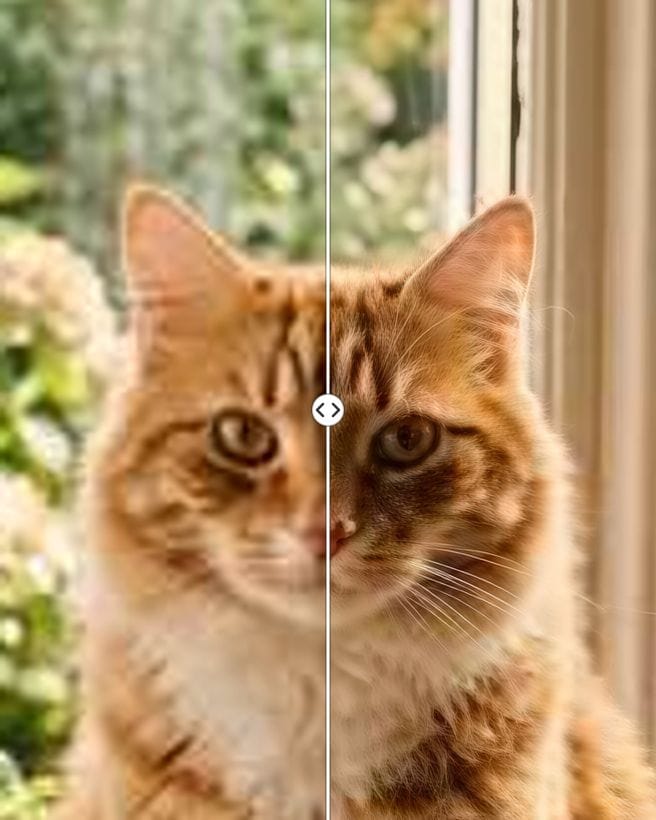
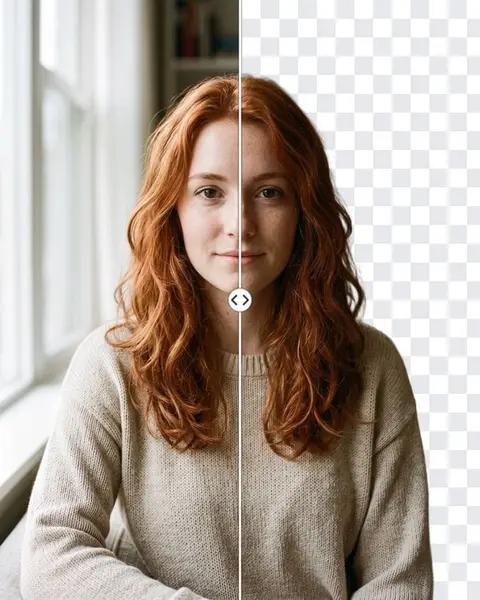
Left: the soft original. Right: the same frame after "Upscale to 4K", with sharper fur and whiskers.
Examples
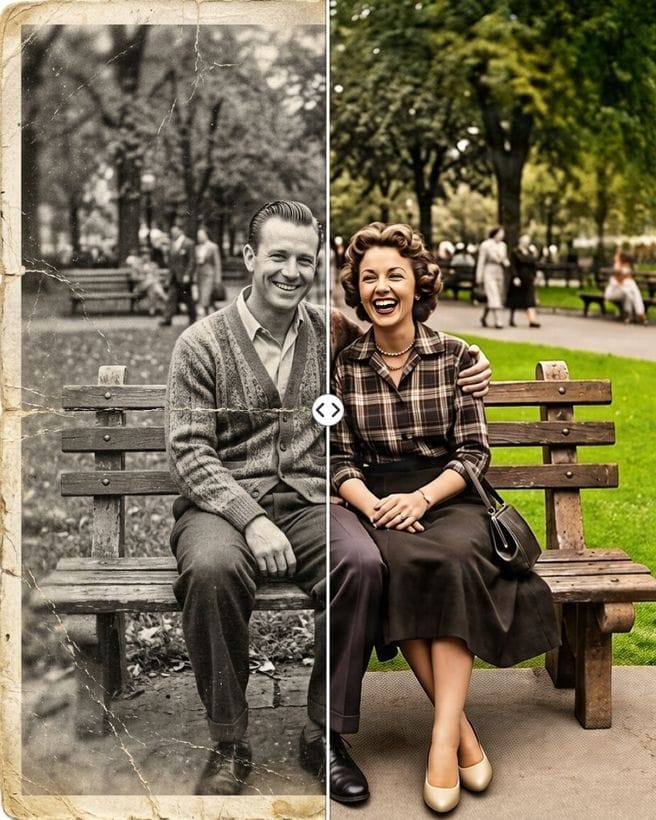
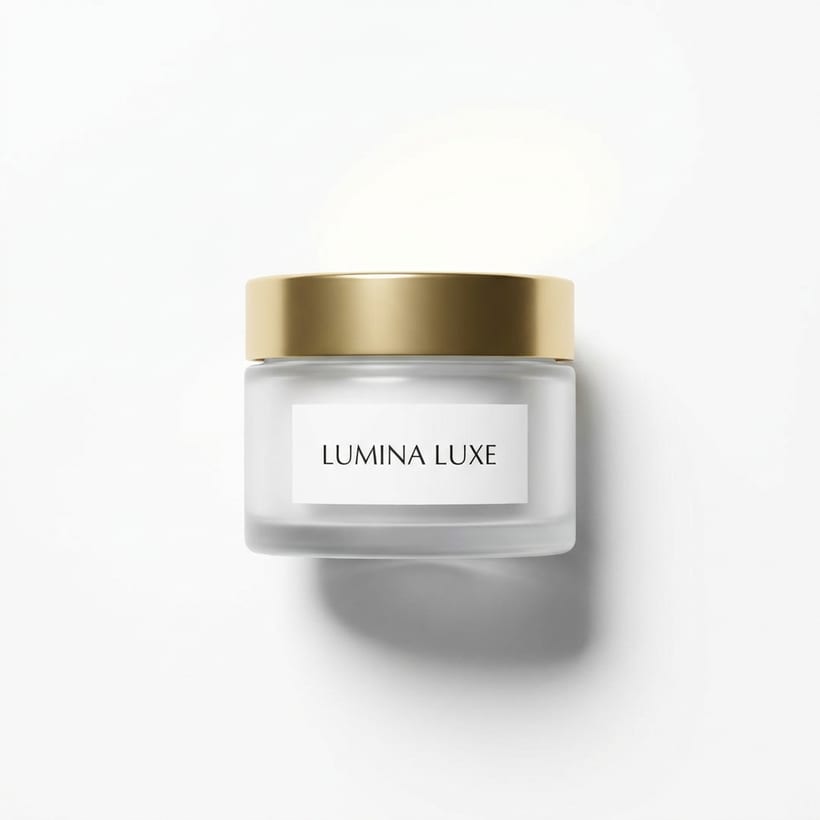
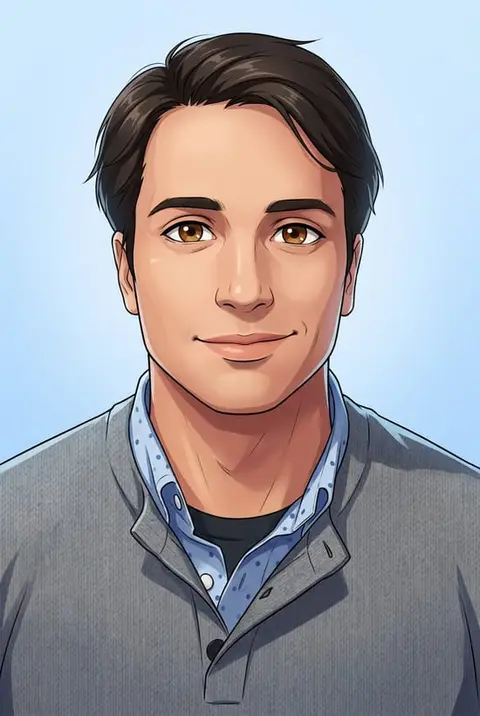
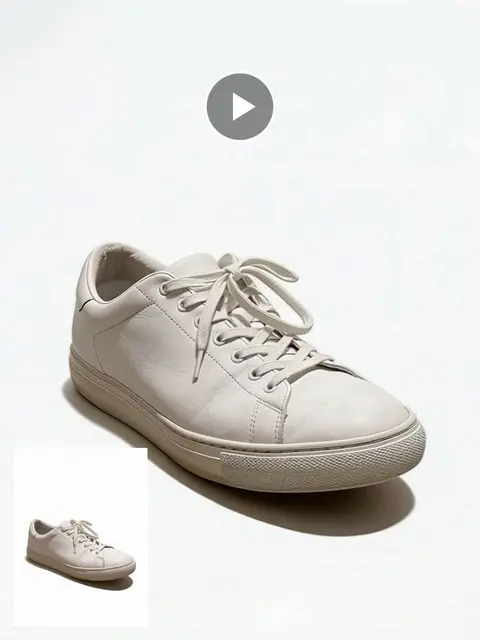
An old photo after restoration: upscale it next for a large print.A product shot on white: a small source can be upscaled before it goes on a listing.
Every person in these examples is AI-generated: no real customer photos are shown.
What the upscaler does
It is a dedicated super-resolution model, not a general image generator. It adds pixels so that edges stay crisp and textures look natural, while the scene, faces and colours stay as they were: the same photo, at a higher resolution.
The result comes in two messages: a preview as a normal photo and the full-resolution file as a document. Telegram compresses photos but not documents, so use the document for printing and editing.
When it helps
A small photo from a chat or social network needs to be printed.
An old phone photo looks mushy on a big screen.
A product photo is too small for a marketplace listing.
A restored family photo needs a large file for framing.
2K or 4K
You choose the target before the run, and both cost the same. 4K suits prints and large screens; 2K gives a lighter file.
What it will not do
Upscaling does not fix heavy motion blur or rebuild a face that is only a few pixels wide. For scratches, stains and creases on old prints, run the restoration first, then upscale the result.
How it works
Open @aiall_bot from this page: the bot sends an "Upscale to 4K" button.
Tap it, upload the photo and pick 2K or 4K.
Get the preview and the full-size document back in the chat.
Price
An upscale to 2K or 4K costs 5 credits. Restoring an old photo costs 20 credits.
Your first photo edit in the bot is free: no card needed.
The bot shows the price before anything is charged, and if a run fails the credits go back to your balance.
Credits come in packs: 150 credits for 50 Telegram Stars, with more credits per Star in bigger packs; card and crypto payments work too. Your first purchase gets +50% credits.
Questions and answers
Is it free?
Your first photo edit in the bot is free, and the upscaler qualifies. After that the price is shown before anything is charged.
Why do I get a document?
Telegram compresses normal photos. The document keeps the full resolution, so the bot sends both a preview and the file.
Will faces change?
The upscaler enlarges the photo and refines detail; it does not redraw the scene, so people stay who they are.
How is this different from restoration?
Restoration removes damage such as scratches and stains. Upscaling makes the whole photo larger and sharper. For old prints, restore first, then upscale.
Does it work on a computer?
Yes. The bot works in Telegram on phones, Telegram Desktop and Telegram Web.