AI Photo Editor

Photo to video

Photo to video: bring a still photo to life with AI

Upload a photo to @aiall_bot, pick a movement and get a short video back: a slow cinematic zoom, a camera that rises over the scene, wind moving through the hair, or a product turning on a turntable.

Open in Telegram

Bot @aiall_bot · no sign-up on a website

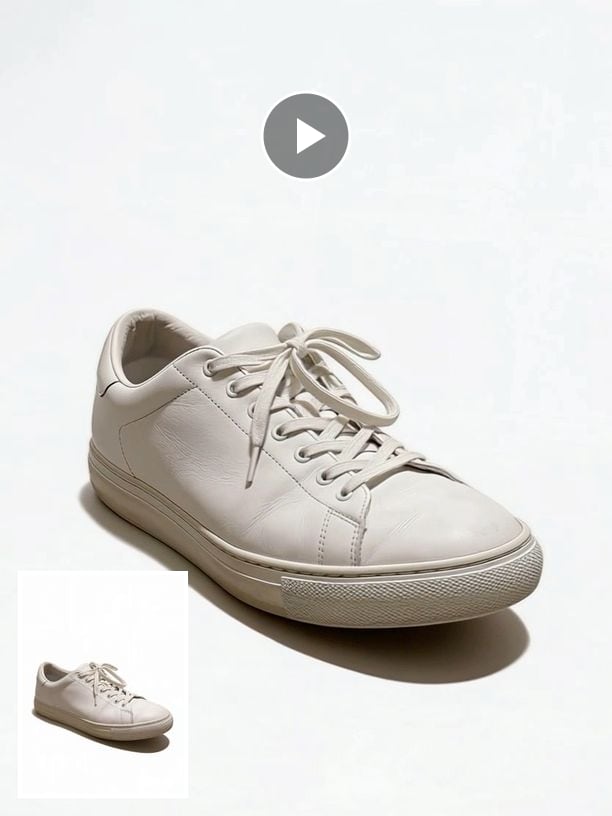
A frame from a 5-second product video; the inset shows the source photo.

Examples

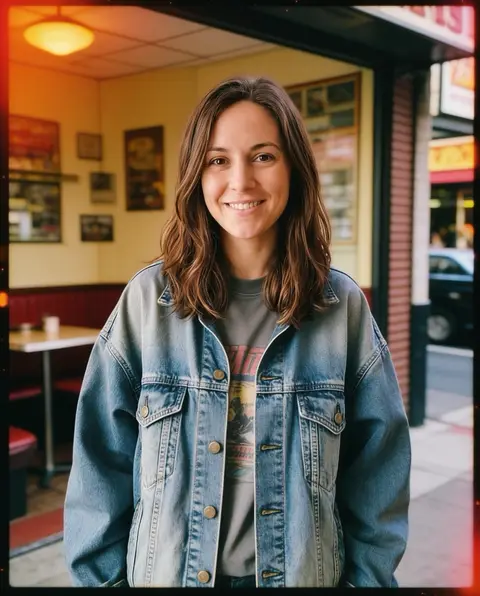
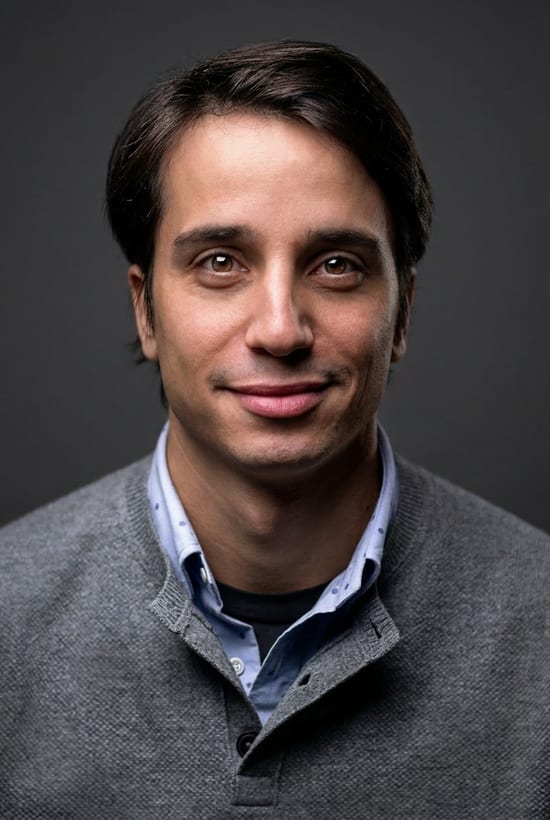
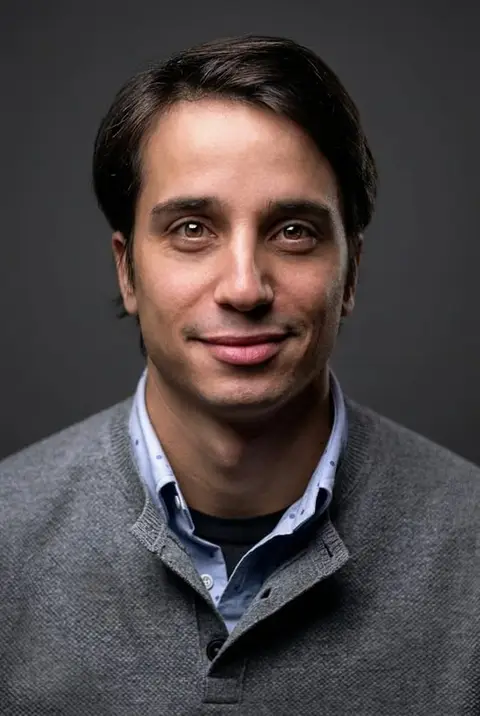
A portrait like this can be animated with gentle wind in the hair and a blink.
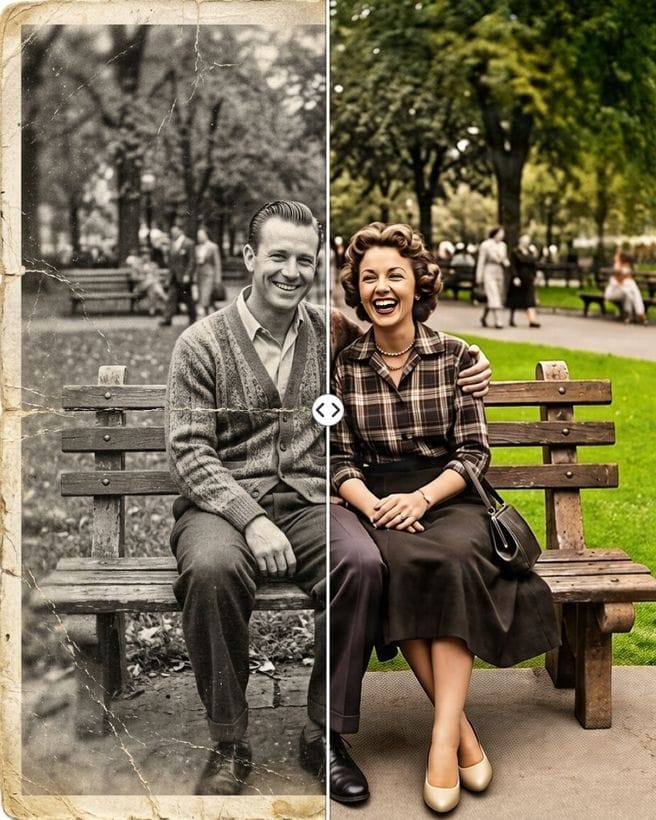
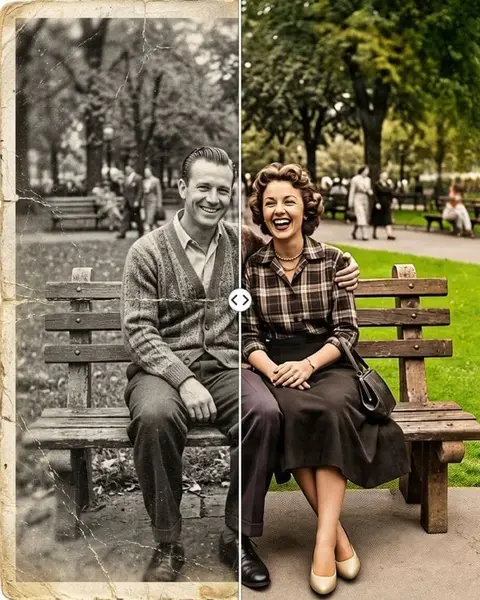
Restore an old family photo first, then animate the result.

Every person in these examples is AI-generated: no real customer photos are shown.

The movements you can choose

What to expect

Clips are 5 seconds at 720p and keep the shape of your photo. Video takes a few minutes to make, and the clip arrives in the chat when it is ready. If a run fails, the credits go back to your balance.

For a portrait that speaks, use the talking photo tool instead; to copy moves from your own short video, try "Make my photo dance".
How it works

  1. Open @aiall_bot and tap the button to open the app.
  2. Go to the animate section, pick a movement and upload the photo.
  3. Get the 5-second video in the chat a few minutes later.

Price

A video starts at 47 credits; the exact price is on the button before you start. A talking photo starts at 47 credits.

This tool is not part of the free first edit, which covers photo edits.

The bot shows the price before anything is charged, and if a run fails the credits go back to your balance.

Credits come in packs: 150 credits for 50 Telegram Stars, with more credits per Star in bigger packs; card and crypto payments work too. Your first purchase gets +50% credits.

Questions and answers

How long are the videos?

5 seconds, at 720p.

Does the face change?

The movements are set up to keep the subject sharp and unchanged. Small details can still drift in AI video, so check the clip before posting.

Can it animate old family photos?

Yes. For the best result, restore the photo first, then animate the restored version.

Is it part of the free first edit?

No. The free first edit covers photo edits; video is a paid tool, and the price is shown before you start.

Where do I get the video?

In your Telegram chat with the bot, as a regular video you can save or forward.

Photo to video: bring a still photo to life with AI

Bot @aiall_bot · no sign-up on a website

Open in Telegram

Related tools

All tools →